Frame
Put the screen recording on a background, set the padding, round the corners, cast a shadow. Drag it anywhere in the frame and it snaps to centre, telling you the moment it lands.
Drop in a recording or a screenshot, or record one with the Chrome extension. Add a background, round the corners, crop, export. Nothing is uploaded.
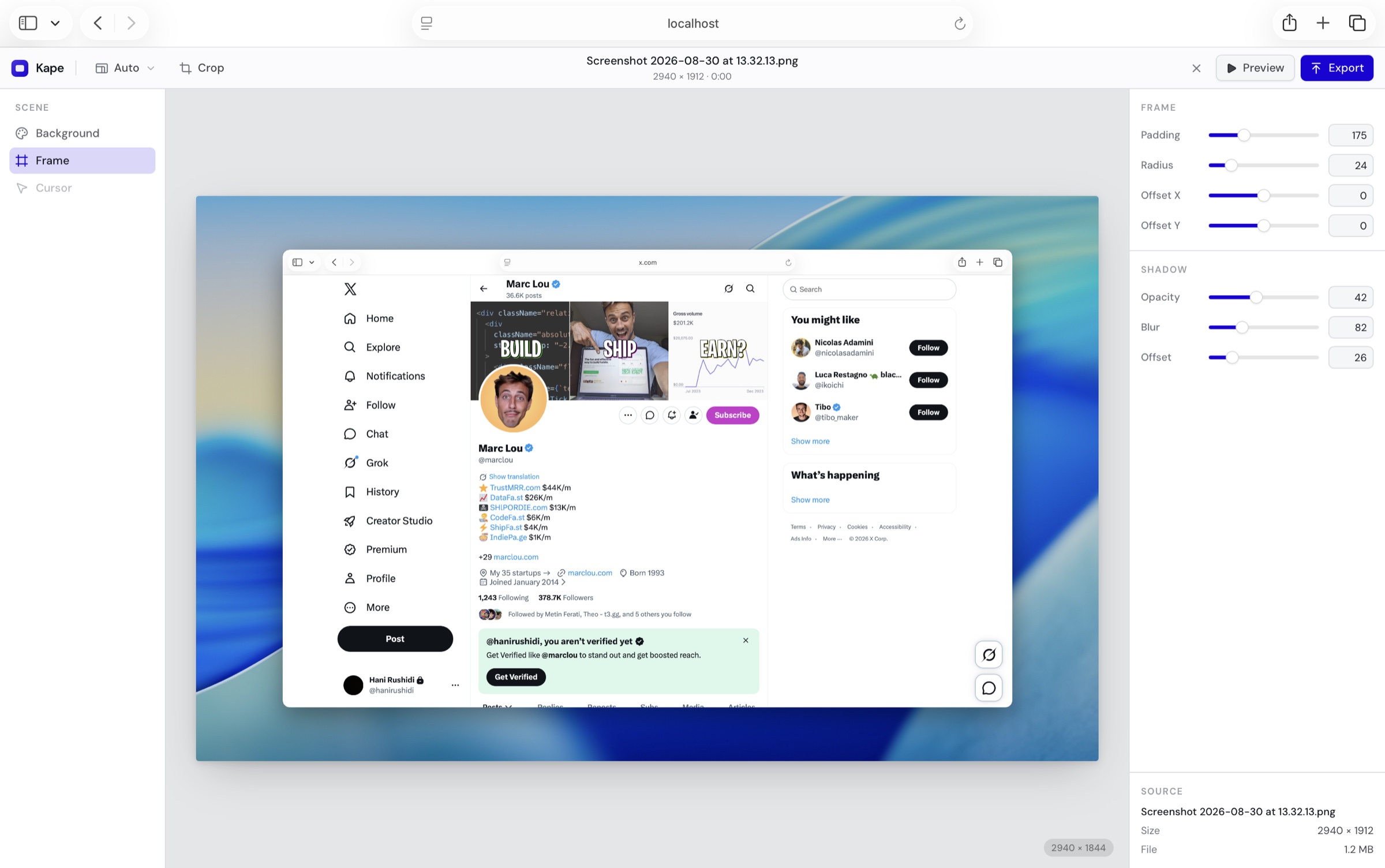
Put the screen recording on a background, set the padding, round the corners, cast a shadow. Drag it anywhere in the frame and it snaps to centre, telling you the moment it lands.
Not only recordings. Drop in a still and it takes the same background, frame and shape, then saves as a PNG instead of a video.
Every frame encoded from the source rather than captured off the screen, and written straight to disk as it goes, so length costs time and not memory.
Three of the things you will reach for most, recorded in the studio itself.
A recording or a screenshot. Kape reads the container and the codec, and says plainly if it cannot decode it.
Background, padding, corners, shadow, shape. Trim the dead air off each end. Everything updates as you drag.
Every frame encoded from the source, written straight to disk. A PNG instead, if you brought a screenshot.
Contact
An idea for what it should do next, or a question this page did not answer. It reaches the people who build it.
or write to contact@kalter.tech
Kape is a tool by Kaltër Technologies
The studio opens in a tab and reads your file from disk. To record your screen too, add the Chrome extension.
Kape is free. If it saves you time, you can leave a tip. Buy me a coffee